Mobile iGaming context: touch changes presentation
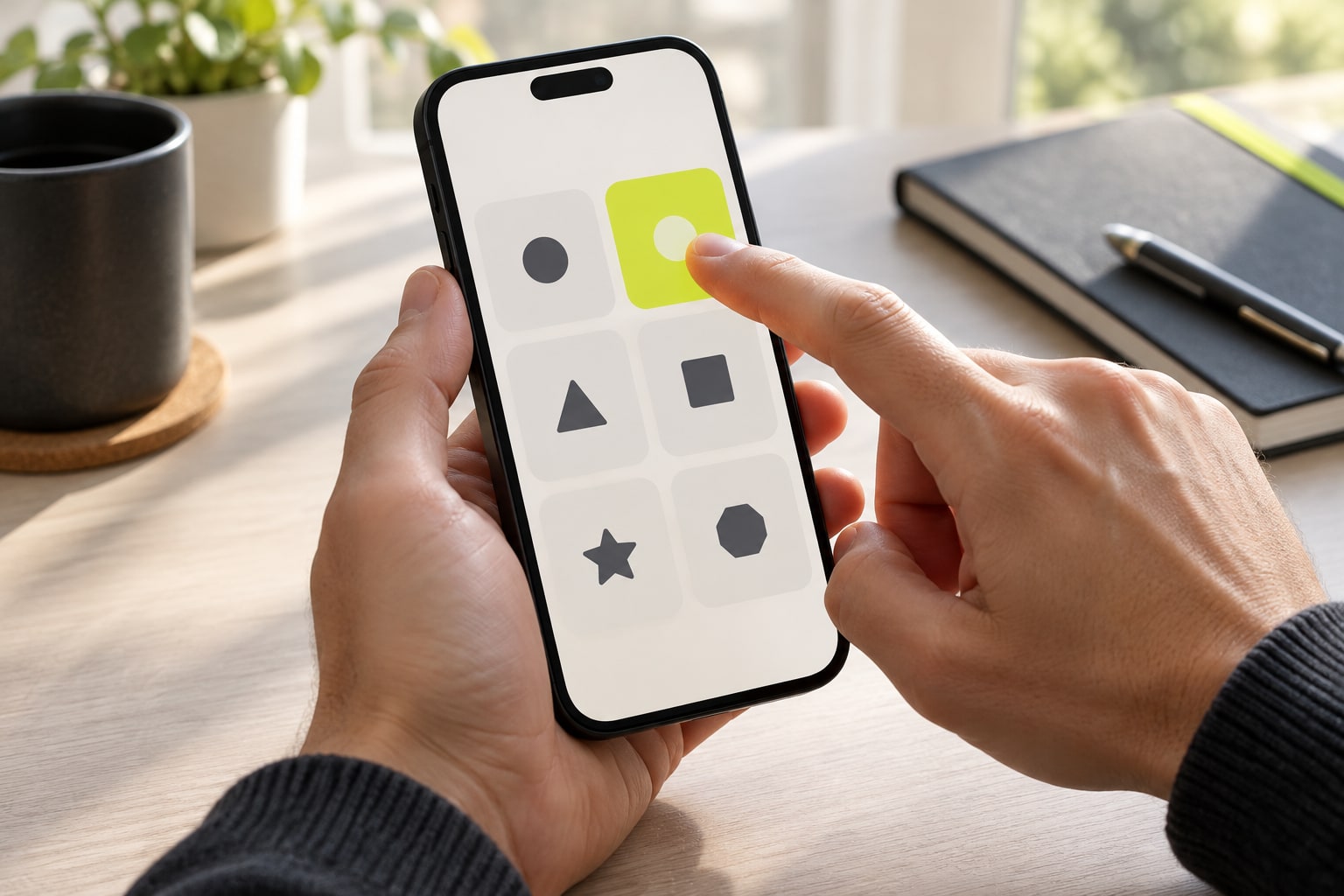
Touch lacks the precision and hover behavior of a desktop mouse. Important conditions revealed only on hover may be inaccessible on a phone. This is an information problem as much as an input problem.
Understanding the context
Touch lacks the precision and hover behavior of a desktop mouse. Important conditions revealed only on hover may be inaccessible on a phone. This is an information problem as much as an input problem.
The important distinctions
Closable menus, scrollable tables and explicit current states help readers finish discovery. Spacing and feedback after an action matter alongside button dimensions.
Using this information
Mobile web, Android and iOS fields need independent confirmation. Compatibility is a data question; a responsive-looking page alone does not establish it.
Touch changes how information is discovered
Desktop interfaces often rely on hover, precise pointer movement and persistent sidebars. Touch readers scroll by gesture and may lose space to an on-screen keyboard. Conditions visible only on hover, tiny navigation controls or unstable return positions can hide information that technically exists. W3C’s mobile accessibility material puts input differences within broader accessibility guidance; verify tasks rather than relying on a device label.[1][2]
Target size and spacing affect touch errors. WCAG 2.2’s minimum target-size criterion provides a baseline with defined exceptions; enlarging every control alone is not an accessibility guarantee. Also check labels, accidental activation between adjacent controls, feedback after actions and whether assistive technology can identify names and states.[2][1]
Test a complete task, not a demo
Choose a task, such as finding payment terms from a category, finishing a long article and returning to the same position, or comparing device conditions. Record device, input, zoom and steps, then repeat with keyboard or screen reader. Smooth animation or a fast home page does not establish that readers can find sources, understand states or change a selection. Task testing makes usability observable.[1][3]
Describe the affected capability and reproduction conditions—for example, “column labels disappear in portrait orientation after text enlargement”—rather than “the mobile site is bad.” Record locale if a longer translation triggers the issue. Specific reports let teams reproduce it and use the same task to confirm a fix.[1][4]
Scope a support statement
Android, iOS, mobile web and browser releases are separate support fields. A native app needs a publisher and store listing; a browser claim needs a tested release. Apple’s review guidelines apply to its own store, and a listing does not establish availability in every market or completion of every task. State the tested combination rather than claiming universal phone support.[5][3]
Compatibility changes with operating systems, site releases and security policy. A successful test supports only a dated result for a version and task; retain older records when retesting. If support for a device is unconfirmed, state that and name the missing check instead of inferring it from responsive layout or marketing.[3][5]
Process and observable records: Touch changes how information is discovered
Understanding the context is easier to understand when mapped as observable events: who initiates an action, which system receives it, what record marks a state change, and when an external party can verify the result. The map should not assume that every service uses the same architecture; it translates interface language into questions that evidence can answer. For “Mobile Web,” A service accessed in a mobile browser, distinct from native applications or store availability. Readers can then ask who produced the record, whether the result is reproducible, and which release or location the description covers. If a page says only “supported” without conditions, the accurate conclusion is that the evidence is incomplete, not that a familiar implementation can be assumed.[1]
Consider a concrete case: a user submits a request on an unstable connection, the screen remains in a pending state, and a separate system later sends a notice. None of those signals alone proves success or failure. Compare timestamps, identifiers, direction and record owner, then state which stage each record can establish. “Platform Compatibility” helps frame the question because The scope of device, browser and operating-system support, verified for specific versions. This is a process example, not a promise about any particular service. When the records cannot be matched, preserve the uncertainty and name the missing evidence. That is more useful to readers than turning an ambiguous notification into a definitive account of what happened.[2]
Source scope and comparison: Test a complete task, not a demo
“Responsive web design,” published by MDN Web Docs, supports this bounded point: Introduces responsive layout, fluid content and multi-screen design. Keep the document’s direct statement separate from editorial inference. The former should be traceable to the linked passage; the latter needs an explicit reasoning step and language that identifies it as interpretation. “Native App” is a related concept in Using this information: Software built for a particular operating system, requiring publisher, version and distribution checks. A source that does not discuss a particular product, jurisdiction, release or user condition cannot settle those questions by silence. Stating these limits tells readers whether the conclusion can be carried into a different context or needs fresh evidence.[3]
A common source of confusion is not one term but the collapse of adjacent stages. A request, authorization, processing step and updated account display may be recorded by different systems. Calling every stage “complete” leaves readers unable to tell what occurred or which party can resolve a discrepancy. Put “Mobile Web” back within its stated boundary: A service accessed in a mobile browser, distinct from native applications or store availability. Check the subject, verb, timestamp and record owner in each claim. Where different documents use different definitions, retain the original terms and explain the difference instead of smoothing them into synonyms for readability.[1]
Interpretation and maintenance: Scope a support statement
Before comparing two figures or capabilities, fix the subject, definition, time window, process direction and calculation method. For “Platform Compatibility,” The scope of device, browser and operating-system support, verified for specific versions. If the denominator, release or observation period differs, the values cannot be placed side by side without qualification. Mark a missing field as unknown and explain how it limits the conclusion rather than estimating it away. A tidy table can make an invalid comparison look precise. When conditions cannot be aligned, “not comparable from the available evidence” is an informative result; list what would make a future comparison possible.[2]
Use “who controls which step?” to inspect the system boundary. A front end may display status, an external service may process a request, and a separate ledger or network may keep its own record. Similar labels do not prove shared data or give one party control over another system’s result. Use “Native App” according to its actual definition: Software built for a particular operating system, requiring publisher, version and distribution checks. Describing control, visibility and responsibility separately prevents a component from being presented as a guarantee about the whole service. To verify a claim, start with the record closest to the event and check that it covers the stated subject and time.[3]
Assess touch interaction together with accessibility and recovery: target size, spacing, focus order, keyboard alternatives and error messages jointly affect task completion. Meeting one size criterion does not replace user testing or disclosure of exceptions.[1]
Categories
Keep exploring
Sources and scope
- Mobile Accessibility at W3CW3C Web Accessibility InitiativeChecked:
Explains how WCAG and related standards address mobile, touch and varied input modes.
- Understanding Success Criterion 2.5.8: Target Size (Minimum)W3C Web Accessibility InitiativeChecked:
Explains the WCAG 2.2 minimum target-size criterion and its exceptions.
- Responsive web designMDN Web DocsChecked:
Introduces responsive layout, fluid content and multi-screen design.
- Language Tags and Locale Identifiers for the World Wide WebW3C Internationalization Working GroupChecked:
Explains language tags and locale identification for web content.
- App Review GuidelinesApple DeveloperChecked:
Apple App Store review rules; they change and do not represent other app stores.